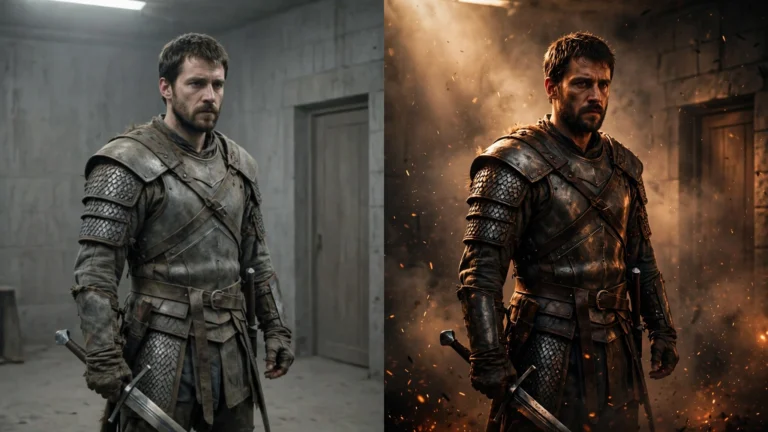

You don’t need a camera to make a film anymore. You don’t need actors, lights, or a crew of twenty people. You need an idea, a laptop, and a free evening.
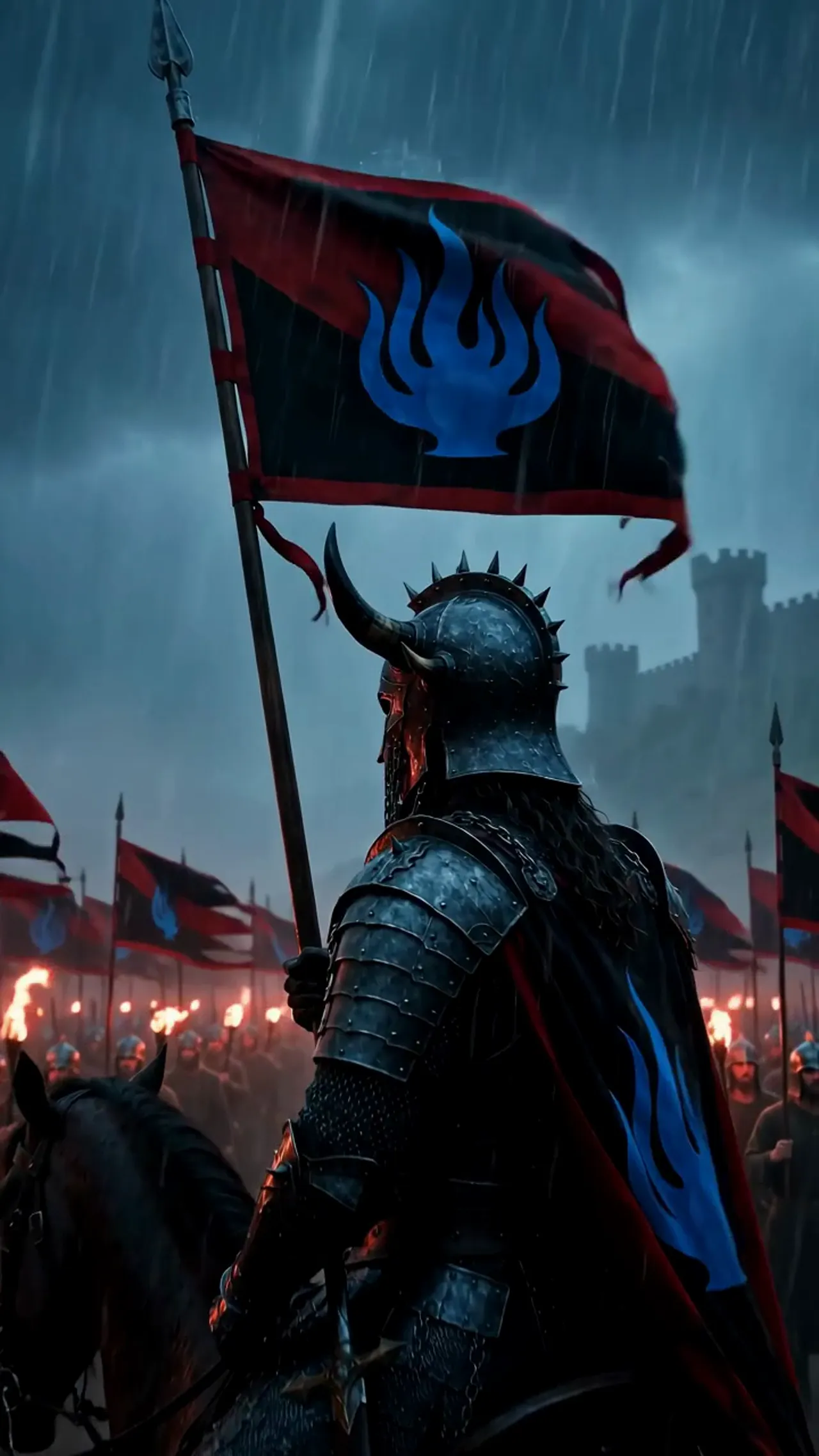
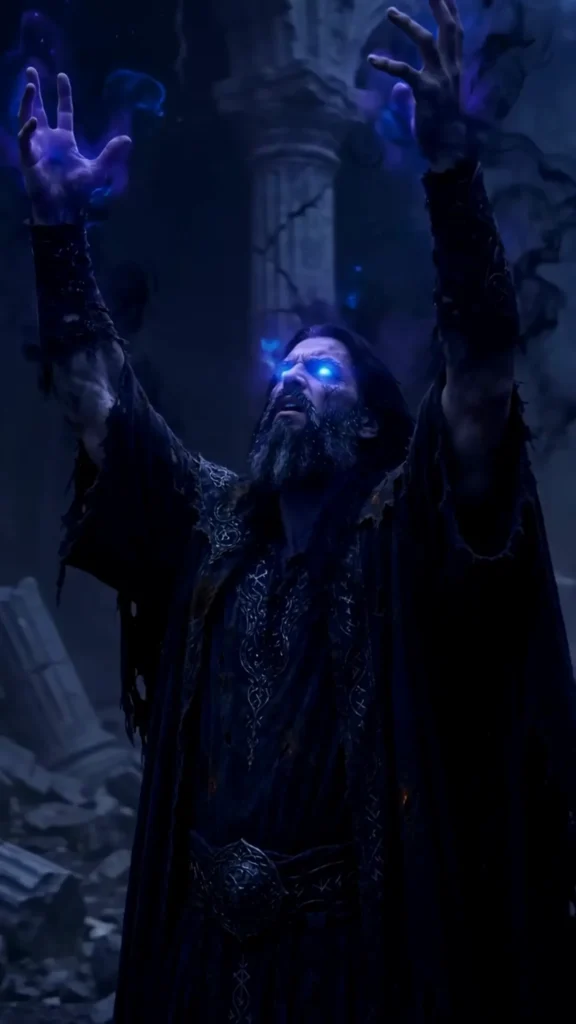
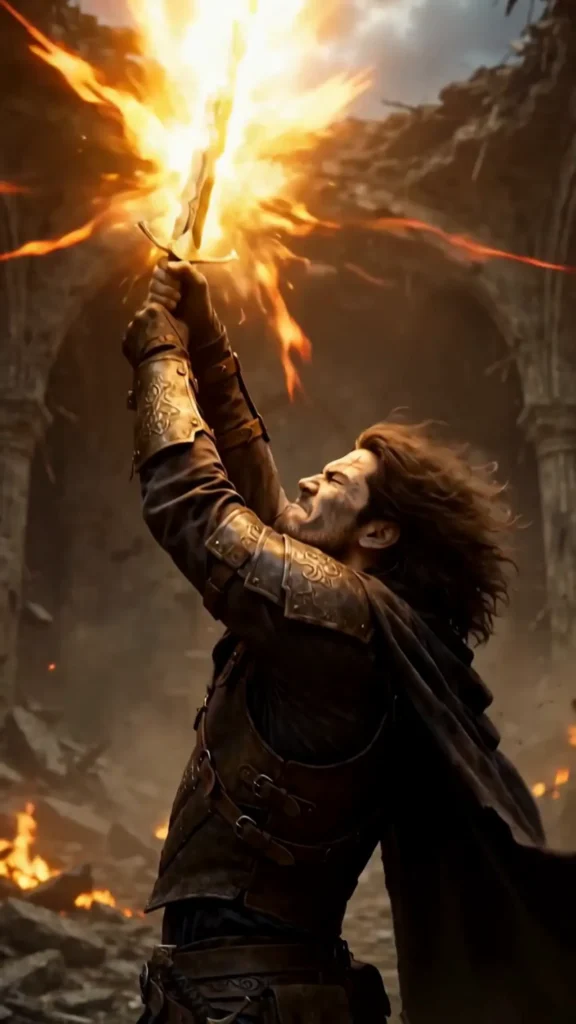
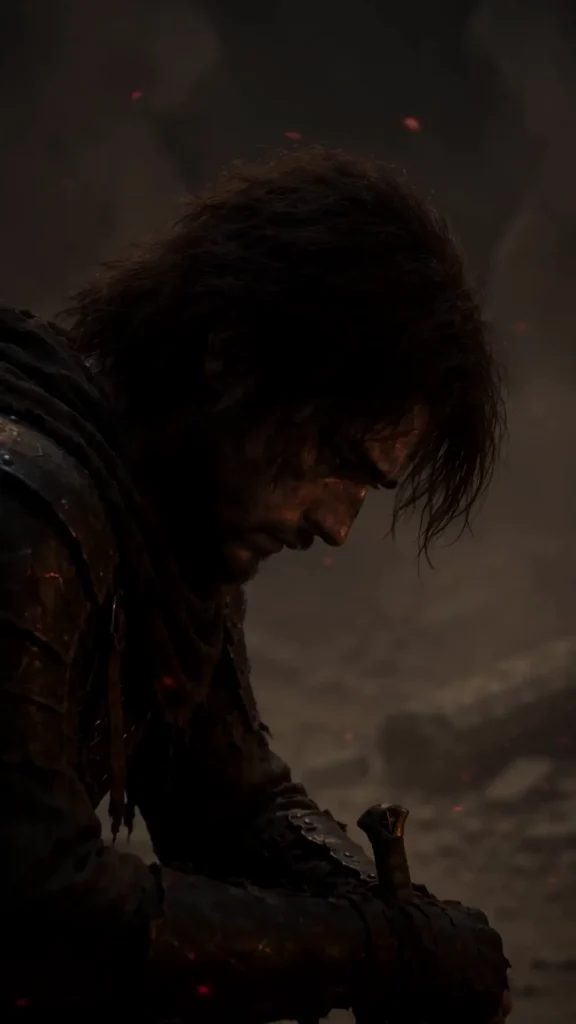
I know because I did it. I made THE LAST FLAME — a two-episode fantasy short film — in a single day, with every frame generated by AI. No camera. No actors. Just prompts, patience, and an editing timeline. I wrote up the whole messy process here.
This guide is the starting point I wish I’d had. No jargon, no hype. Just what works.
What an “AI short film” actually is
It’s a short video — usually anywhere from 30 seconds to a few minutes — where the footage is generated by AI instead of filmed with a camera. You describe what you want in words (a “prompt”), and a video generator creates the clip.
Most generators make short clips, around 5 to 10 seconds each. So a “film” is really a bunch of these clips stitched together, with music, sound, and titles added — exactly like editing a normal film, except you never picked up a camera.
What you need (and what you don’t)
You don’t need:
- A camera or a phone gimbal
- Actors
- Filming locations
- Expensive software — free editors work fine
You do need:
- An idea. One clear idea. “A warrior finds a burning sword” beats “an epic fantasy saga” every time when you’re starting.
- A video generator. Most have free tiers or trials.
- A video editor. CapCut (free), DaVinci Resolve (free), or whatever you already know.
- Sound. Music and sound effects do half the storytelling. YouTube’s audio library is free.
That’s the whole list.
Picking your tool
There are a lot of AI video generators now — Runway, Kling, Luma, Pika, Hailuo, and Google’s Veo, among others. They all turn text into short video clips, and they all have free trials or credits to get you started.
My honest advice: don’t spend a week comparing them. Pick one with a free tier, make three test clips, and see if you like how it handles your style. I’m putting together a full head-to-head comparison of the main tools — coming soon.
The workflow, step by step
Here’s the process that actually works:
- Write your story in scenes. Not a script full of dialogue — a shot list. “Wide shot: a burning castle at night. Close-up: a warrior picks up a flaming sword.” Keep it to 6–10 scenes for your first film. Each scene becomes one clip.
- Generate one clip per scene. Paste each scene description into the generator as a prompt. Make a few versions of each and keep the best one. This is the slow part — expect to throw away half of what you make.
- Stitch them together. Drop the clips into your editor in story order. Trim the weak moments. A 10-second clip often has 4 good seconds in it.
- Add sound. Music first — it sets the pace. Then sound effects: fire crackling, footsteps, wind. Then, only if you need it, voiceover or dialogue.
- Add titles. A title card at the start and “The End” (or “To Be Continued”) at the end makes a pile of clips feel like a film. Seriously. It matters more than you’d think.
- Export and post. 1080p is plenty. Go 9:16 vertical for Shorts, Reels, and TikTok, or 16:9 for regular YouTube.
How to write prompts that work
Think like a director, not a writer. A good prompt has four parts:
- Shot: “close-up,” “wide shot,” “aerial view”
- Subject: who or what is in the frame
- Action: what they’re doing — one clear action
- Look: lighting and style — “torchlight,” “cinematic,” “dark fantasy”
Bad prompt: “a cool warrior scene.”
Good prompt: “Close-up of a battle-worn warrior holding a flaming sword, embers drifting through dark air, torchlight on his face, cinematic dark fantasy.”
One more tip: reuse the exact same descriptive phrases for your characters and places in every prompt. It helps the AI stay consistent. It won’t be perfect — nothing is — but it helps a lot.
The character problem
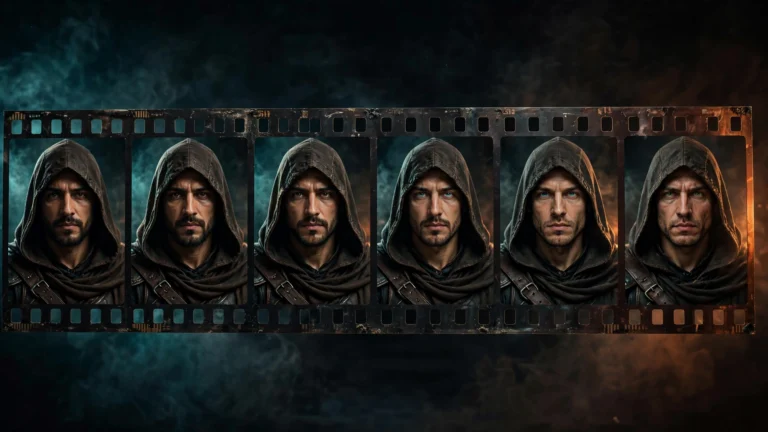
Here’s the thing nobody tells beginners: AI generators are bad at keeping the same face across clips. Your hero might look slightly different in every scene — different jawline, different armor details.
Workarounds that actually help:
- Describe your character the exact same way every time — age, hair, clothing, colors.
- Generate a reference image of your character first, then use image-to-video if your tool supports it.
- When a face changes too much, cut to a different angle. Audiences forgive a lot if the story keeps moving.
I fought this battle for a full day on THE LAST FLAME — the full story is here.
Mistakes every beginner makes
- Too much dialogue. AI can’t do lip-sync reliably. Sparse dialogue, voiceover, or just music — all better than characters talking with the wrong mouth movements.
- One giant prompt. “An epic 2-minute film about…” doesn’t work. Break everything into small scenes.
- Keeping every clip. If a clip is weak, cut it. Your film gets better every time you delete something.
- Skipping sound. Silent AI clips feel empty. Music and sound effects are not optional.
- Expecting perfection on day one. Your first film will be rough. Mine was. Make it anyway — the second one will be twice as good.
Where to post it
YouTube Shorts is the obvious home — vertical, built for discovery, and it can earn money. TikTok and Instagram Reels work the same way. For longer pieces, regular YouTube. I put both episodes of THE LAST FLAME on Shorts and embedded them in the blog post, which gives them two audiences at once.
Just start
The gap between “I want to make films” and “I made a film” is one weekend. Pick the smallest idea you have — one character, one location, one moment — and make it. Six clips. One minute. Done.
You’ll learn more from that one rough minute than from a month of watching tutorials. Including this one.
Now go make something.