
You can spot an AI video in about three seconds. Something’s off — a face warps mid-shot, the skin looks like plastic, the camera never moves, and there’s a dead silence hanging under everything.
It doesn’t have to be that way. The “cheap” look isn’t one big problem. It’s five small problems, and each one has a fix. I learned most of these the hard way making THE LAST FLAME — our AI short film, built in a day from 10-second generated clips. Here’s the full diagnosis.
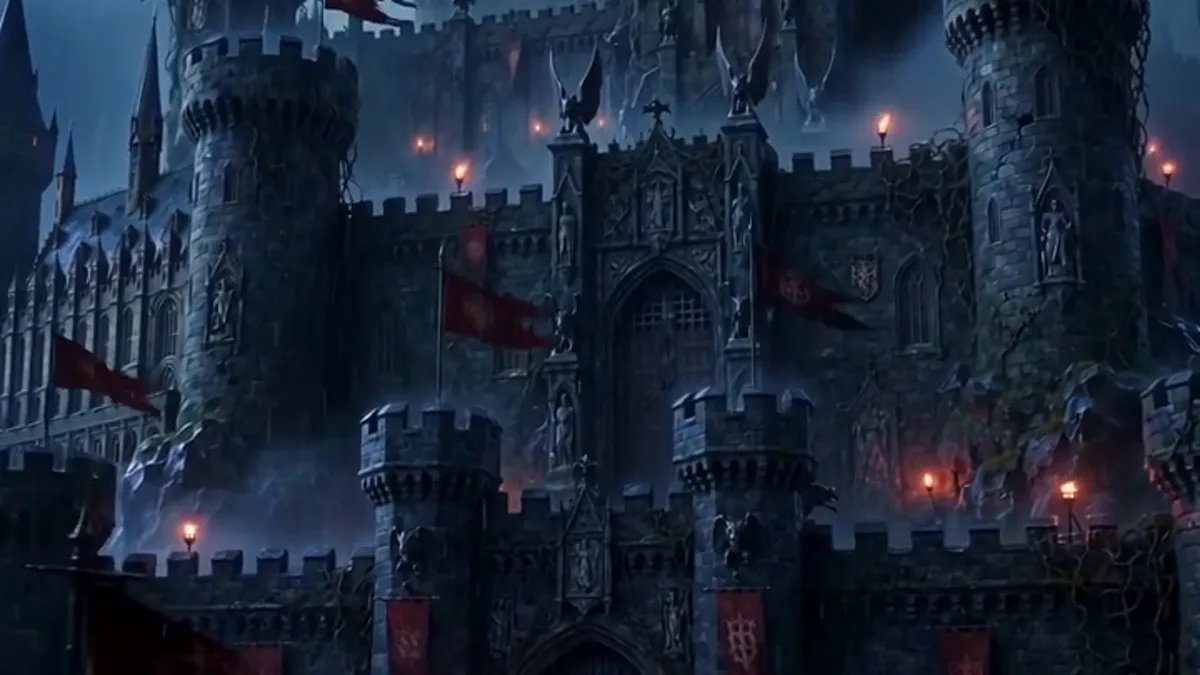
The face melts
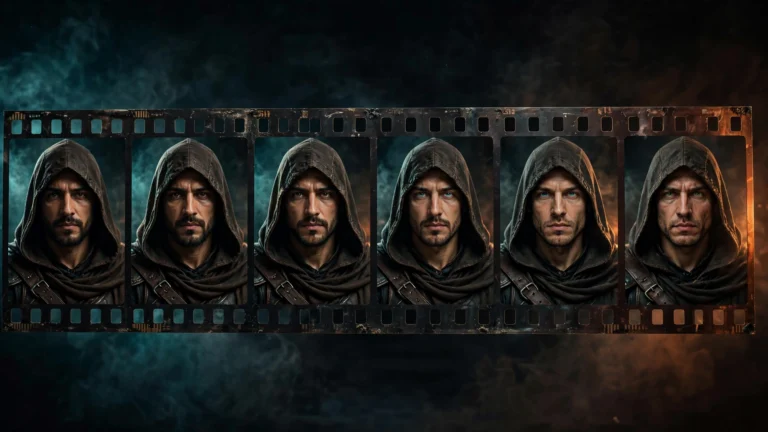
This is the most obvious tell. A face holds together for three seconds, then the eyes slide, the mouth smears, or a hand grows an extra finger. Hands are the worst offenders — AI still struggles with them badly.
The fix is mostly editorial. A 10-second clip usually has four or five good seconds in it; cut everything else. Don’t hold a close-up a second longer than the face survives. If a clip melts halfway through, trim it there and cut to the next shot — the audience reads it as intentional pacing.
And keep hands out of close-ups. If your prompt doesn’t need hands in frame, don’t invite the problem.
The skin looks like plastic
AI faces often come out over-smoothed — waxy, poreless, like a mannequin. Real skin has texture, and the lack of it reads as fake instantly.
Two fixes. First, put it in the prompt: “natural skin texture” and “film grain” genuinely help. Second, add grain in the edit. Almost every editor — even free ones — has a film grain or noise effect. A light layer of grain over the whole film does two jobs at once: it kills the plastic look, and it hides small inconsistencies between clips. It’s the cheapest realism upgrade there is.
The lighting is flat
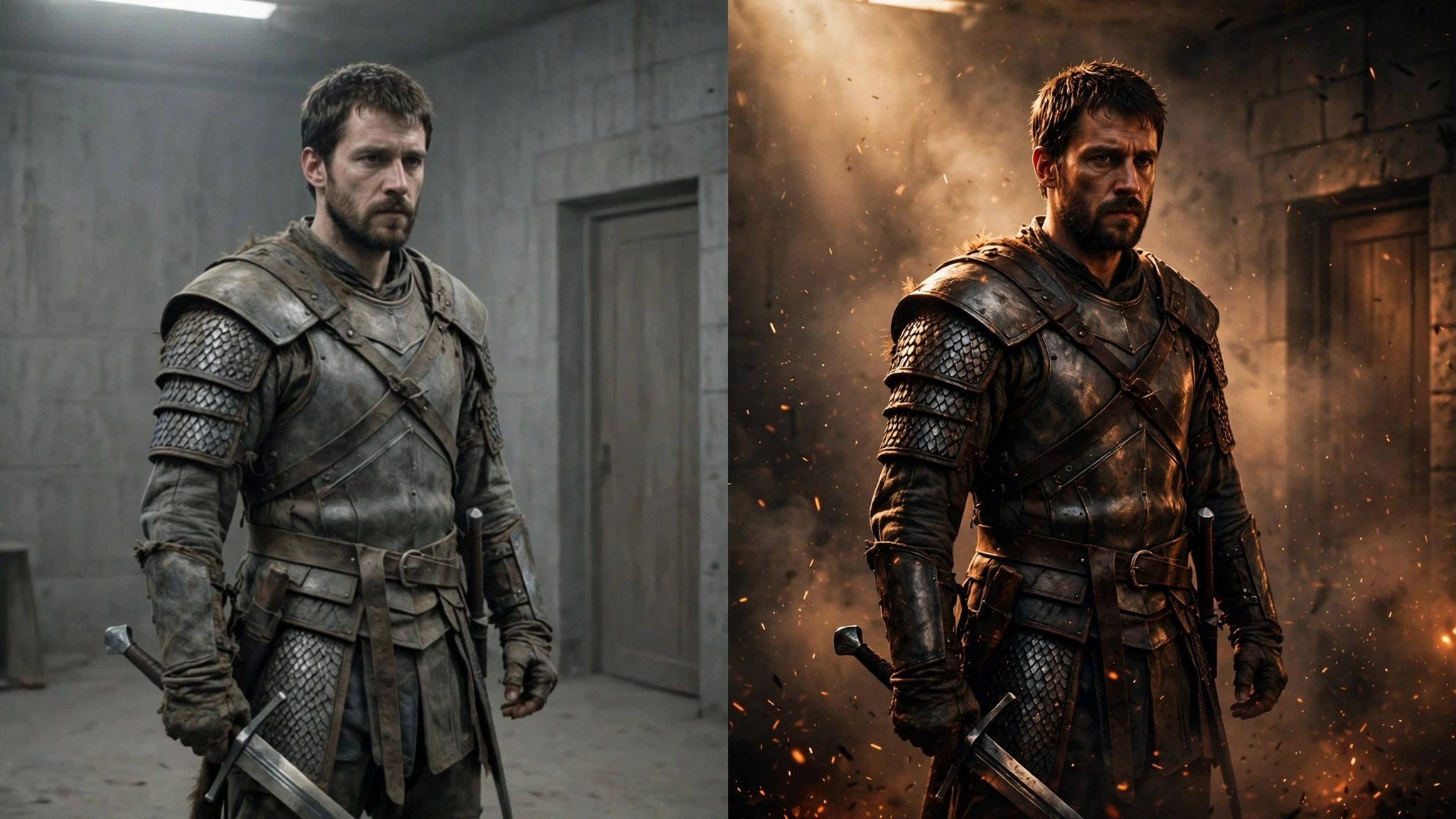
Cheap-looking AI video is almost always lit like a cloudy afternoon — everything evenly visible, no shadows, no mood. Real films are built on contrast: one strong light source, deep shadows, light with a color to it.
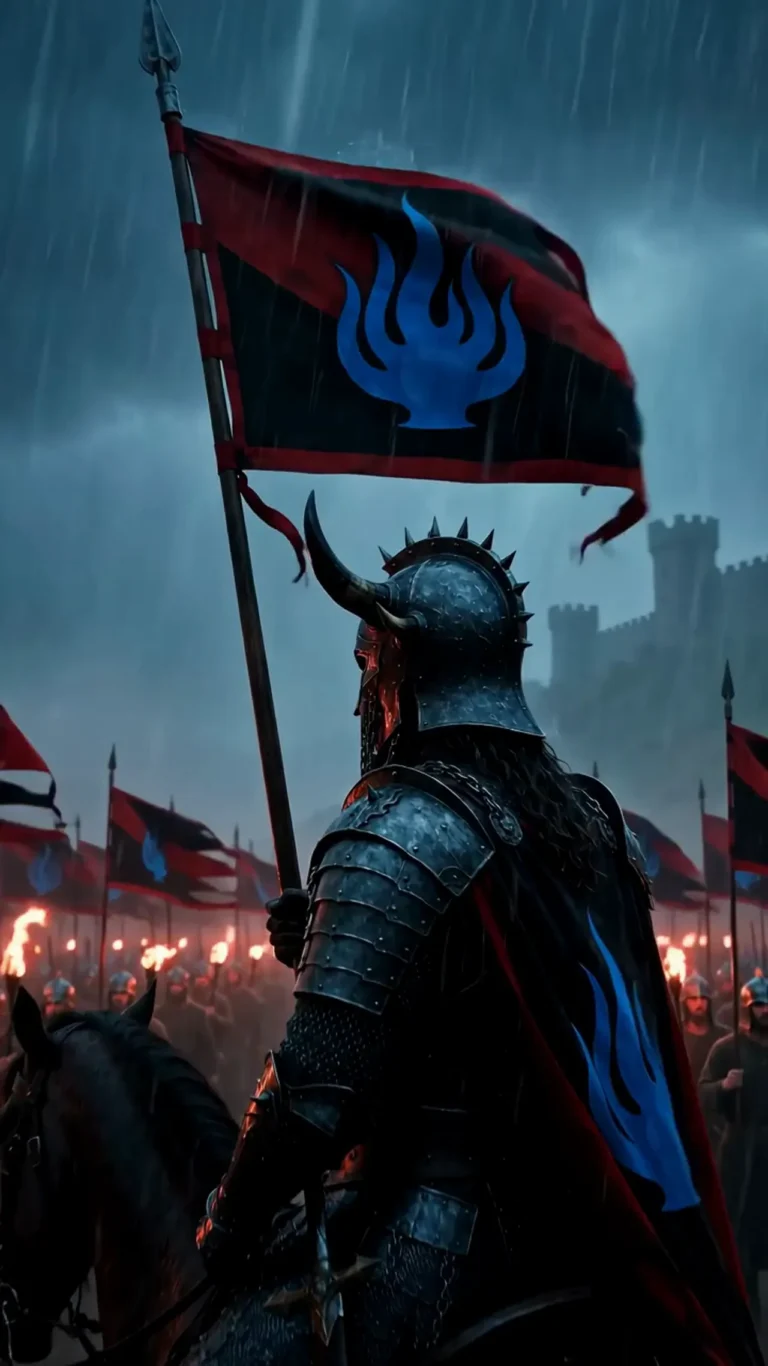
The fix is free, because lighting is just words in your prompt. Add them to every single one: torchlight, candlelight, golden hour, volumetric light, rim light, moonlight, firelight flicker. One strong source plus darkness around it makes a generated shot look cinematic immediately. Our best-looking shots on THE LAST FLAME were all firelit night scenes — the darkness hides a multitude of sins.
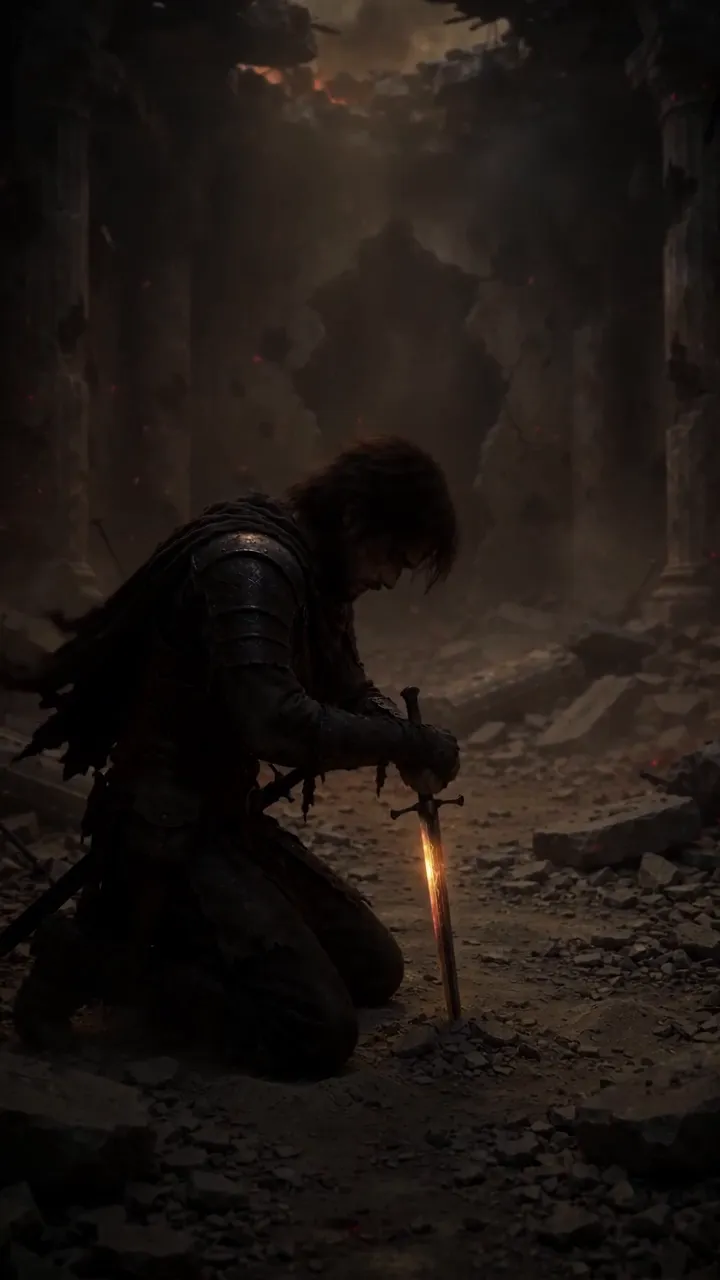
The camera never moves
Static tripod shot, static tripod shot, static tripod shot. Nothing screams “I typed a prompt and accepted the first result” like a film where the camera is bolted down.
Fix it with camera language in your prompts: slow dolly in, pan left, tracking shot, crane up, handheld shake. Even a tiny push-in makes a shot feel directed instead of generated. Vary it across scenes — a slow push for tension, a wide static for establishing, a handheld wobble for chaos. You’re the cinematographer now; act like one.
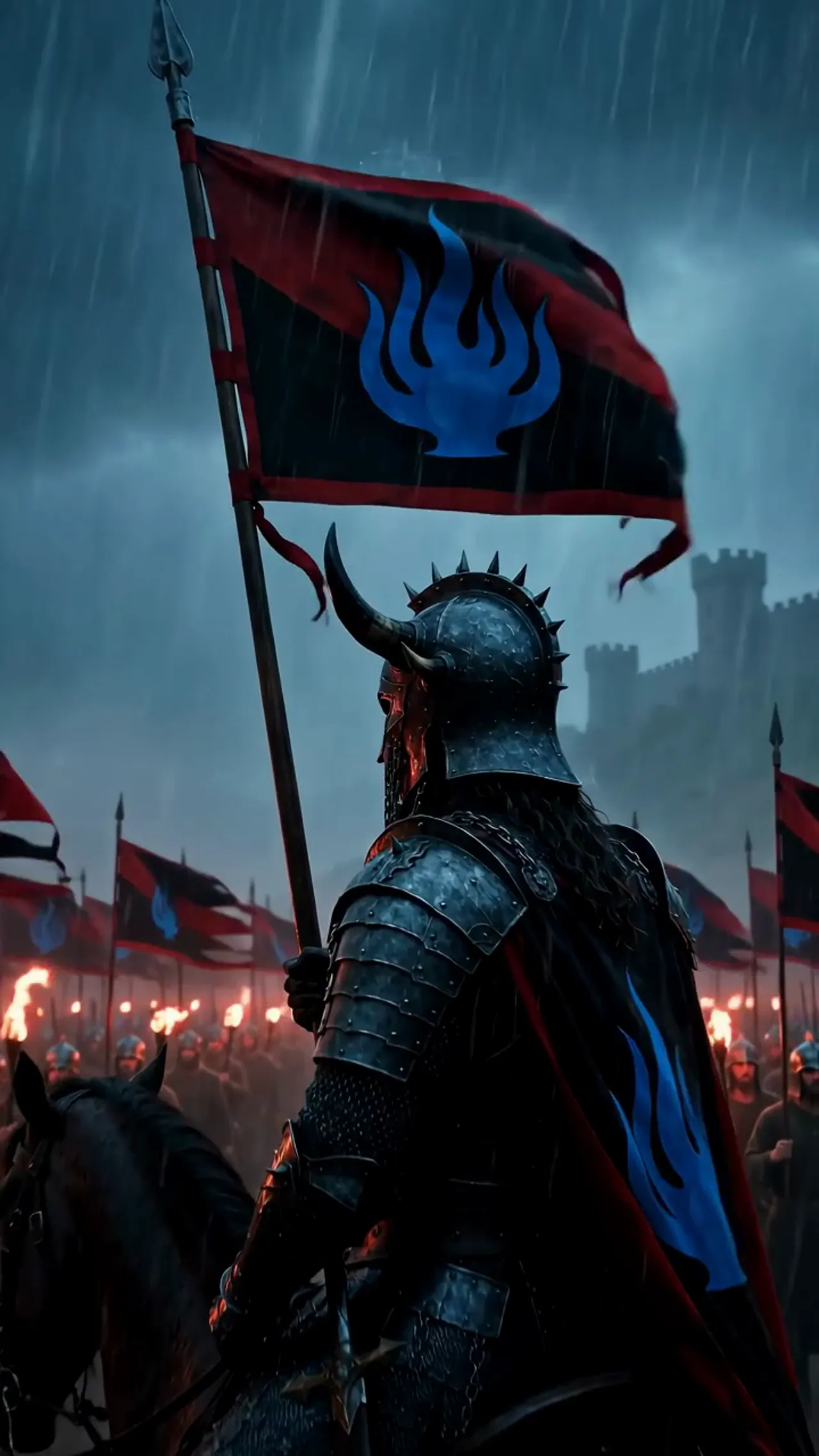
There’s no sound
This one is underestimated. So many AI videos go out in dead silence, or with one flat music track slapped underneath. Silence makes even good footage feel empty and unfinished.
Sound is half the image. Start with music — it sets pace and emotion. Then layer sound effects: fire crackling, footsteps, wind, cloth movement, distant thunder. YouTube’s audio library is free, and ten minutes of sound work can rescue footage you were ready to throw away. A rough-looking clip with great sound feels like a film. A beautiful clip in silence feels like a screensaver.
The grade is missing
Footage straight out of a generator looks a bit raw — slightly washed out, colors not quite sitting together. Real films get a color grade; yours should too.
Keep it simple: crush the blacks a little, add some contrast, and push everything toward one color tone — cold blue for night scenes, warm amber for firelight. Then apply that same grade to every clip. A consistent grade across all your clips does a quiet second job: it visually glues together footage that came from different generations and hides small mismatches between scenes.
Cut the weak seconds
This deserves its own section because it’s the habit that improves everything above. Every generated clip has a lifespan — the seconds where it looks great — and dead air around them. Your job in the edit is to find the lifespan and cut the rest.
Be ruthless. If a clip is weak, delete it; the film gets better every time you remove something instead of keeping it out of guilt. Short, tight, and good beats long and shaky every time. Our two episodes of THE LAST FLAME run 83 and 97 seconds, and there’s not a wasted second in either — because the wasted seconds are on the cutting-room floor.
Grade your own prompt
Theory is nice, but run your actual prompt through the free checker — it scores it 0-100, tells you exactly what looks cheap, and builds the fixed version for you.
It’s decisions, not tools
None of these fixes costs money. A better generator won’t save a film with flat lighting, a static camera, and no sound — and a basic free-tier generator can produce something that looks genuinely good if you light it with words, move the camera, grade it, and mix the sound.
The difference between a cheap-looking AI video and a good one is mostly decisions. Make them on your next film and see.
New to all of this? Start with the beginner’s guide, which walks through the whole workflow — scenes, clips, stitching, sound, titles — step by step.