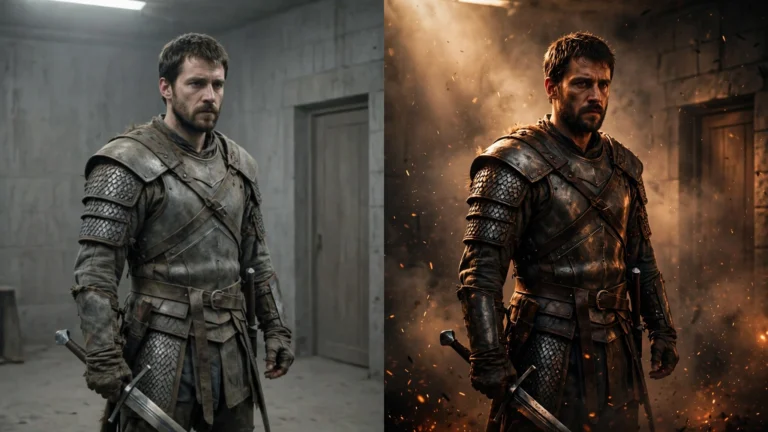
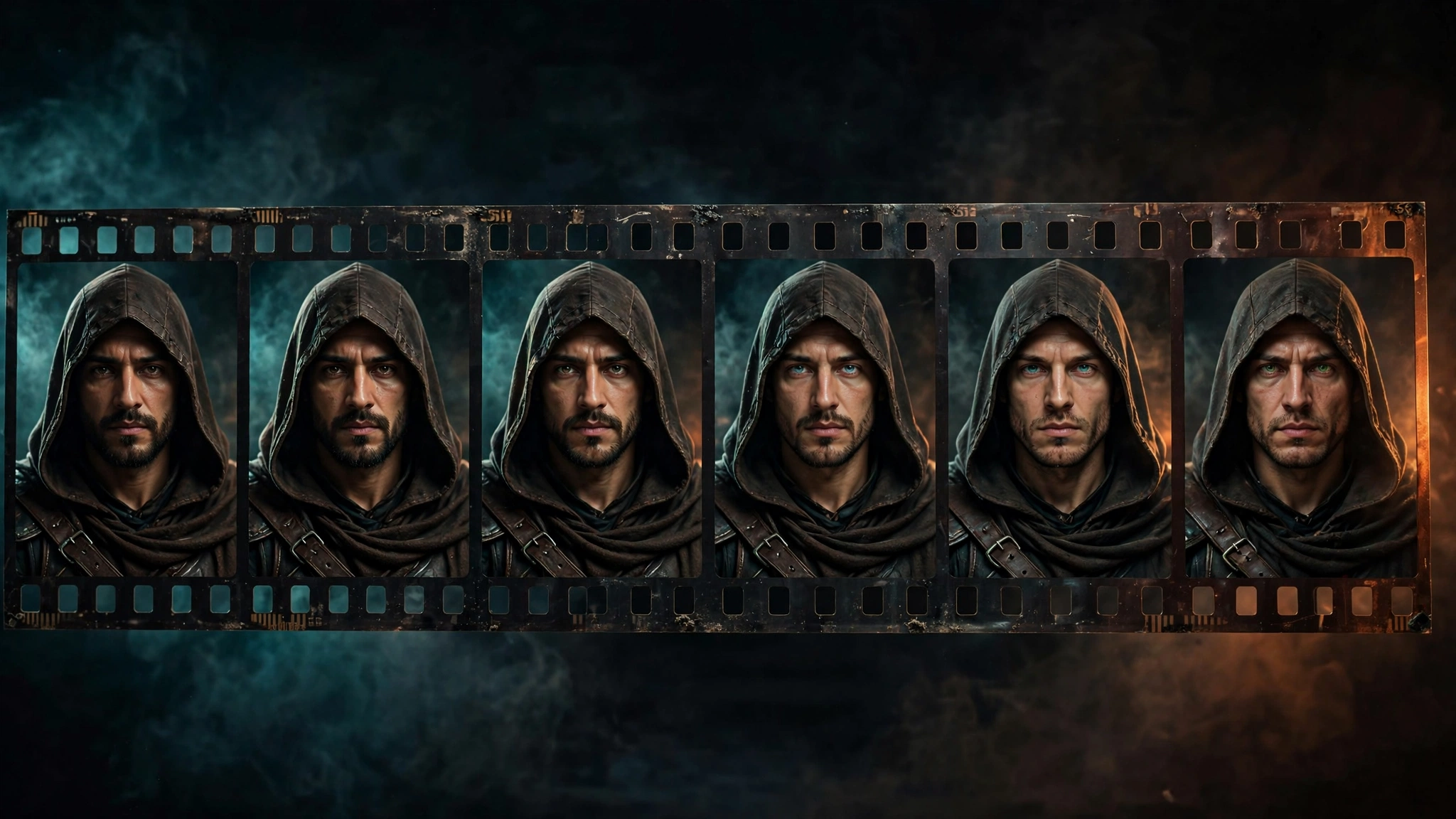

Here’s the problem that will eat more of your time than anything else in AI filmmaking: your character’s face keeps changing.
In one scene he’s got a scar above his right eyebrow. In the next scene the scar is gone. In the one after that, it’s above the left eyebrow — and his whole jawline looks different. Same character, same description, different person.
I know because I lived it. On THE LAST FLAME — our dark-fantasy AI short film, made in a single day from stitched-together 10-second clips — our warrior Arin never looked exactly the same twice. I wrote up the whole messy process here. This post is the playbook for that one specific fight: keeping a character consistent across AI-generated scenes.
Why your character keeps changing faces
Every clip is generated fresh. The AI has no memory of your last scene, no model sheet pinned to the wall, no actor showing up in costume. Each clip starts from zero: the generator reads your prompt and invents a person who matches the description. And it invents slightly differently every time.
This isn’t a setting you can turn off. It’s how the technology works right now. Once you accept that, you stop being surprised by it — and you start working around it.
Write one character description and never change it
This is the single highest-value habit. Write one block of text that describes your character, and paste it word-for-word into every prompt. Not “similar wording.” The exact same words, in the exact same order.
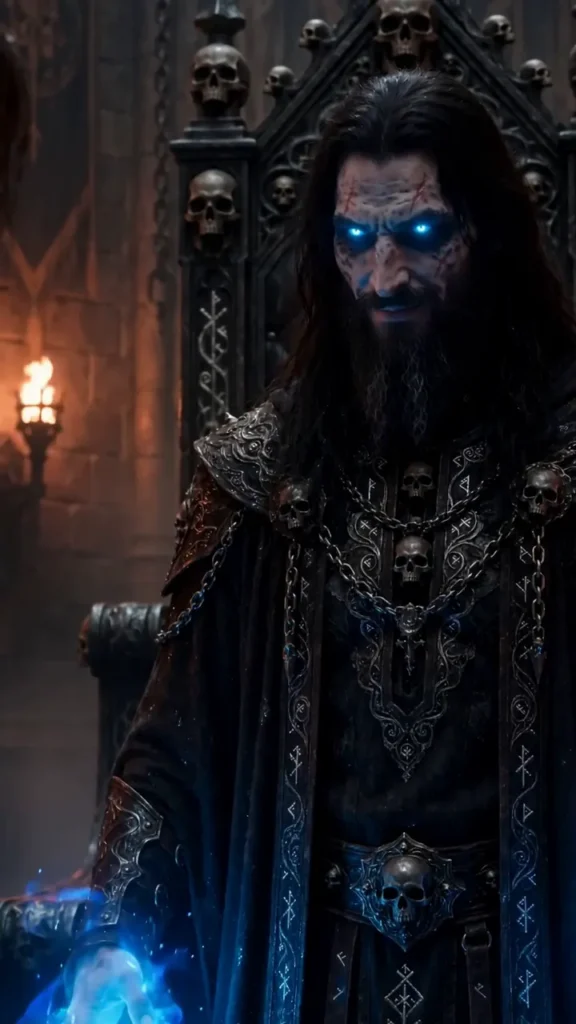
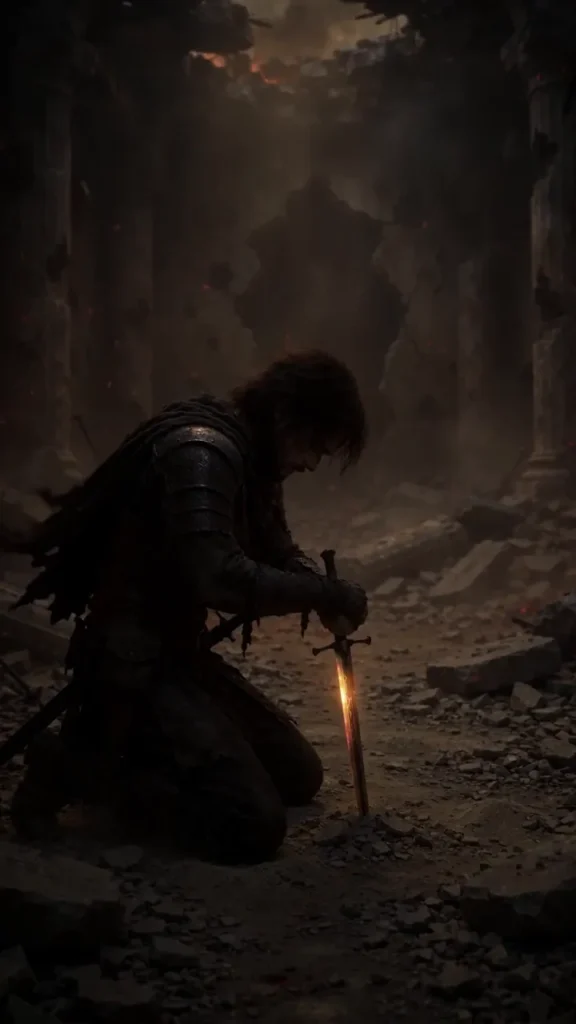
Here’s the one we used for Arin: “a 24-year-old warrior, athletic build, shoulder-length dark-brown hair, light beard, scar above right eyebrow, worn dark-leather armor with metal shoulder plates, black cloak.”
The more specific it is, the better it anchors the generator. “A warrior” gives the AI room to wander. A full physical description narrows the range of what it can invent. It won’t fix the drift completely — but the drift gets smaller.
Try it: the free Character Consistency Kit
I built a free tool that writes that locked character description for you — human, alien, robot, dragon, anything — and saves your whole cast so every scene gets the same face.
Make a reference image first
Before you generate any video, generate a still image of your character. Just one good portrait. Then use image-to-video instead of text-to-video for your clips.
This helps a lot, because now the generator has an actual face to work from instead of inventing one from words. It’s still not locked — the face will shift a little between clips — but you’re starting from the same source every time instead of rolling the dice fresh.
Generate three or four portraits, pick the strongest one, and use that same image as the starting point for every scene with that character.
Use character reference features
Several generators now ship a character reference or element reference feature: you upload a face, and the tool tries to hold it across clips. If your tool has one, use it. It’s not perfect — faces still soften and shift — but it’s meaningfully better than pure text prompts.
Fair warning: these features work best when the reference photo is clear, front-facing, and well lit. A blurry side-profile reference gives you blurry, inconsistent results. Garbage in, garbage out.
Keep the design simple
Every detail you add to a character is another thing the AI can get wrong. A plain dark cloak survives ten scenes looking roughly the same. An ornate robe with silver embroidery, seven buckles, and a fur collar will come back different every single time.
This is a design decision, not just a technical one. When you’re creating characters for AI video, favor simple hairstyles, simple outfits, and simple color schemes. Two or three strong, readable features — a scar, a black cloak, a flaming sword — read clearly on screen and are far easier for the generator to repeat.
Save the intricate costume design for when the tools catch up.
Show less face
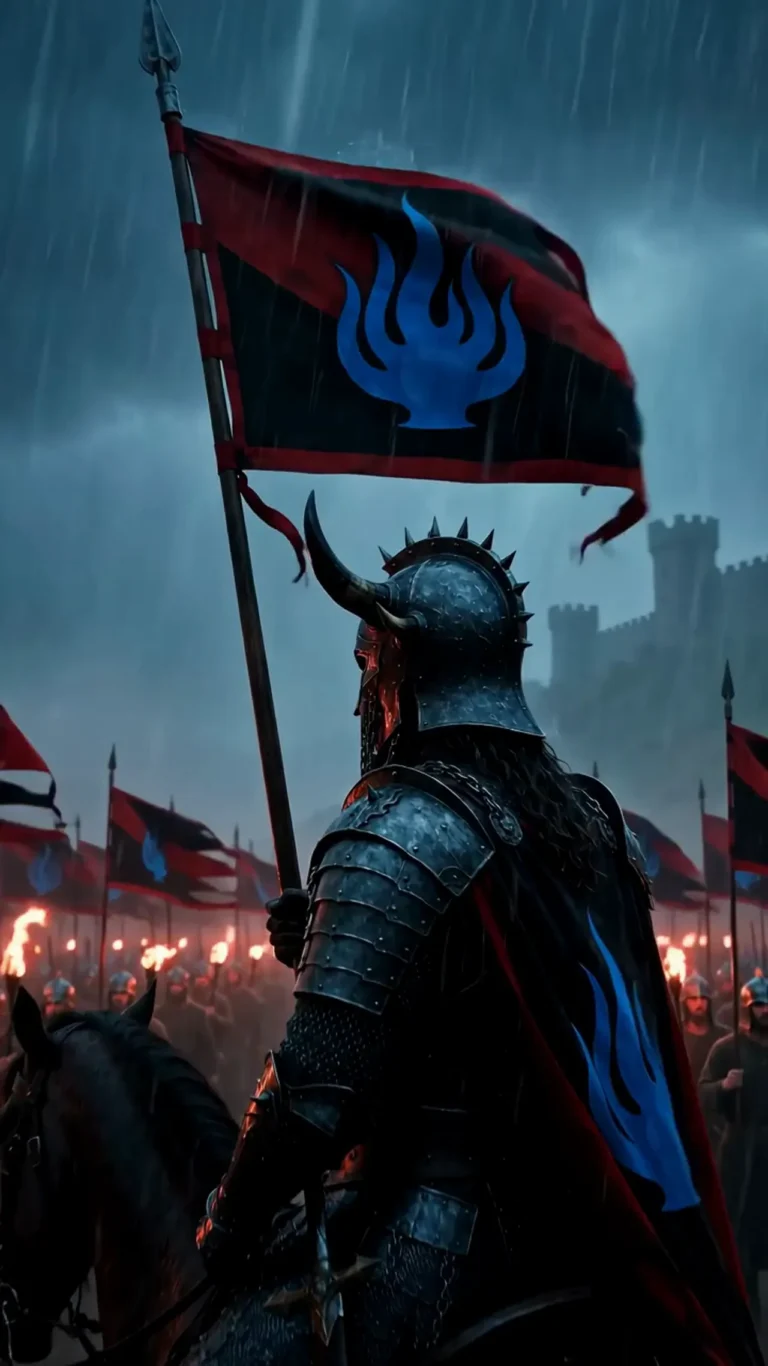
This one sounds like cheating, and it kind of is. But it works: helmets, hoods, shadows, shots from behind, faces half-lit by firelight. If the audience can’t see the face clearly, they can’t catch the drift.
Cut on motion, too. A character turning, walking into frame, or passing through shadow gives the eye no still frame to compare against. And when a face comes back too wrong in a close-up, don’t fight it — replace the shot with a wider angle. We did this more than once on THE LAST FLAME, and nobody noticed.
Directing around the weakness is still directing.
Know when to stop fighting
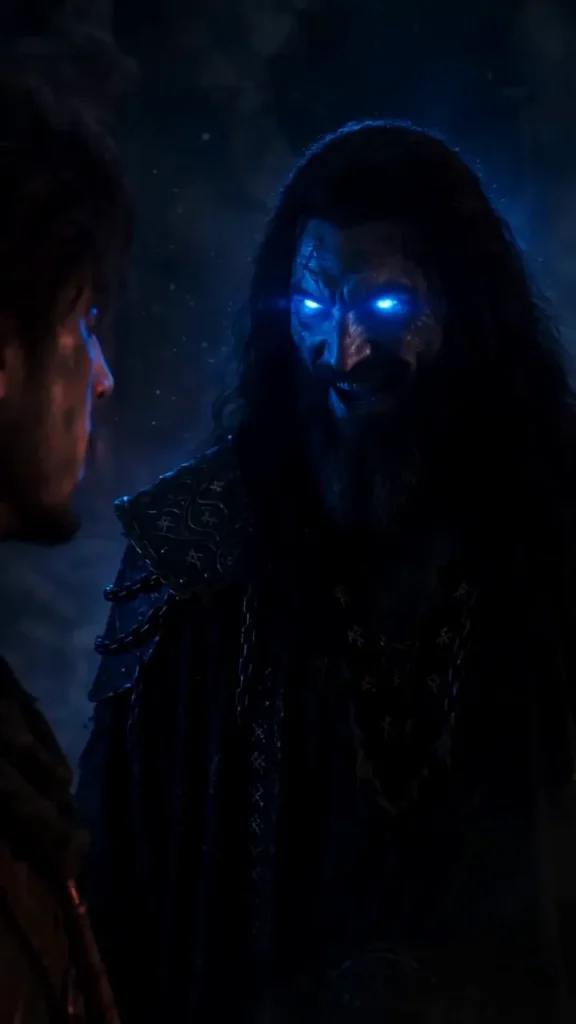
Here’s the honest part: you will never get it perfect. Not with today’s tools. At some point you accept 90 percent and keep moving, because a finished film with slightly drifting faces beats a perfect film that never ships.
And here’s the thing that makes that okay — nobody watching your film on a phone is pausing to compare jawlines between scenes. If the story keeps moving, viewers forgive. Consistency matters most in back-to-back shots within the same scene, where the eye can compare directly. Across a cut to a new location, almost nobody catches it.
So fight the battle where it counts — within scenes — and let the small stuff go between them.
Start with one technique
Don’t try to apply all of this at once. Pick one: the copy-pasted character description is the easiest win and costs nothing. Use it on your next film and watch the drift shrink.
Then add the reference image. Then simplify the next character you design. Each layer stacks, and by your third or fourth film, consistency stops being the thing that eats your whole day.
If you’re just starting out, our beginner’s guide walks through the full workflow this all fits into — scenes, clips, stitching, sound, titles.