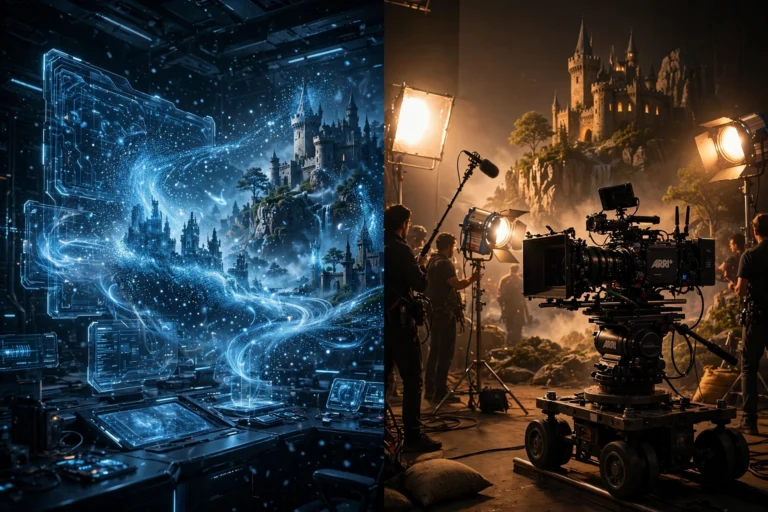

Here’s the shift that changed everything for me: stop thinking of yourself as someone typing words into a box. You’re the director.
A film director tells the camera operator where to point the camera, tells the actor what to do, and tells the lighting crew how the scene should feel. Your prompt does the exact same job — just in words instead of on a set.
Once I started treating prompts like directing instructions instead of descriptions, my clips got noticeably better. This post is the full approach: what goes into a prompt, the camera terms that actually work, real before-and-after rewrites from my own projects, and two rules that fix most bad prompts.
If you’re brand new to all of this, start with the beginner’s guide first — this post goes deeper on the prompting half of the job.
The four-part prompt
Every good prompt has four parts. Leave one out and the AI has to guess what you wanted — and it guesses badly.
- Shot: where is the camera? Close-up, wide shot, aerial view, and so on. This one word changes the whole frame.
- Subject: who or what is in the frame. Be specific — “a battle-worn warrior in dark leather armor” beats “a guy.”
- Action: what the subject is doing. One clear action (more on why “one” matters below).
- Look: lighting, mood, and style. “Torchlight,” “rainy night,” “cinematic dark fantasy.”
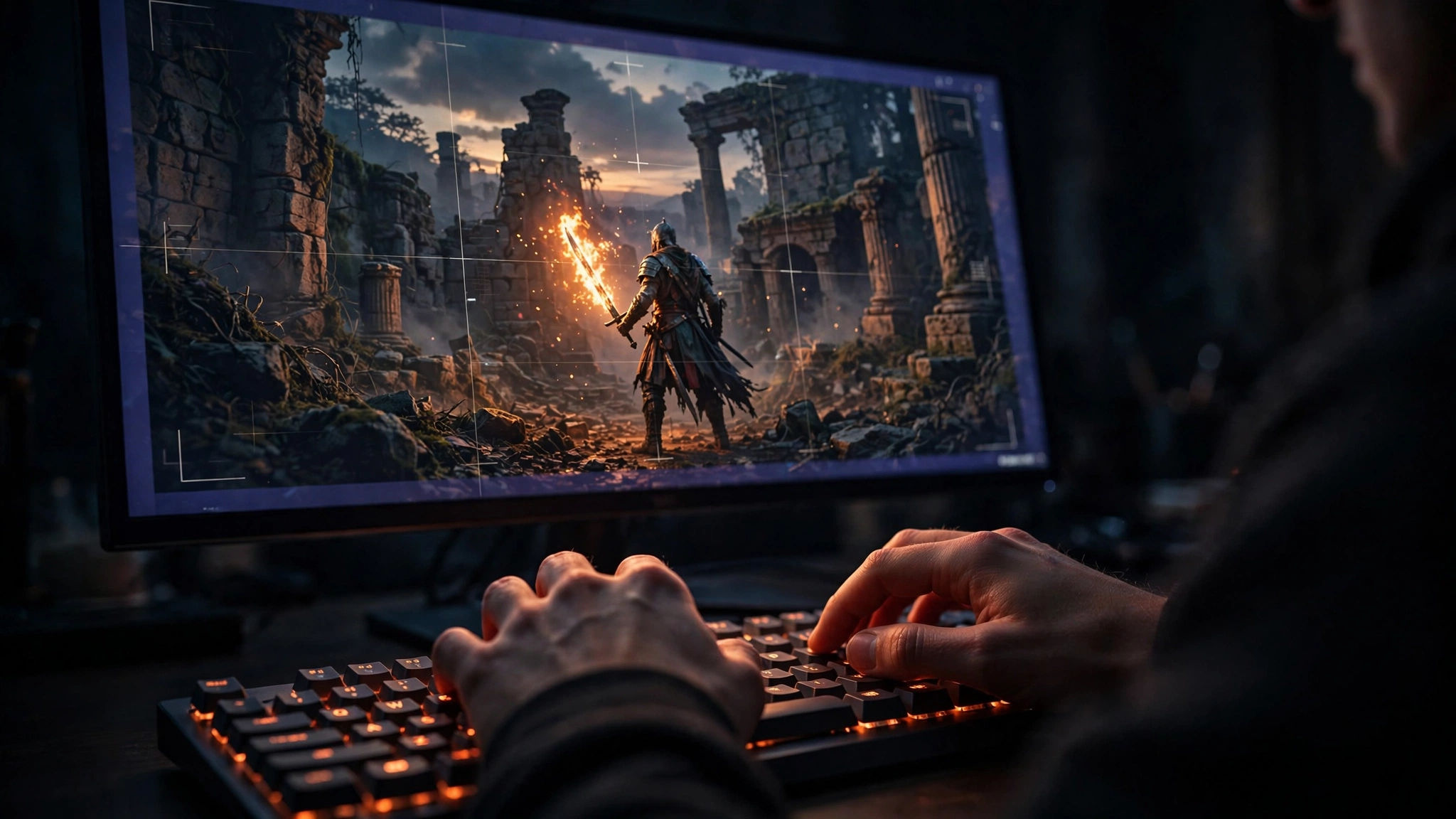
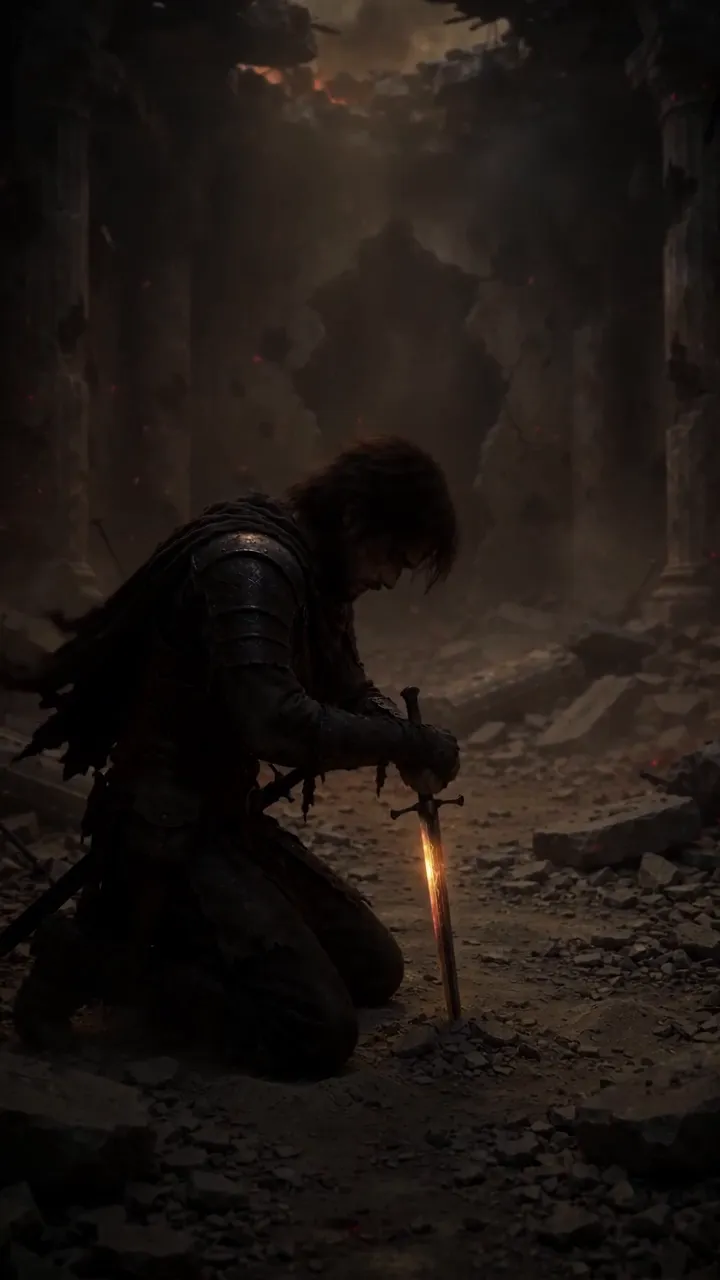
Put together: “Close-up of a battle-worn warrior holding a flaming sword, embers drifting through dark air, torchlight on his face, cinematic dark fantasy.” Shot, subject, action, look — all there, in one sentence.
When a clip comes out wrong, check which of the four you skipped. Nine times out of ten, the missing part is the problem.
Learn a little camera language
Directors share a vocabulary so the whole crew pictures the same shot. AI video generators understand these terms too — they were trained on millions of captioned videos, so camera words steer the framing hard. Here are the ones I actually use:
- Close-up — a face or a detail fills the frame. Use it for emotion and reactions.
- Wide shot — the whole scene, subject small in the environment. Use it to establish a place.
- Pan — the camera turns left or right from one spot. “Camera pans slowly across the burning village.”
- Tilt — the camera moves up or down. “Camera tilts up to reveal the castle.”
- Dolly — the camera physically moves closer or further away. “Slow dolly in on the warrior’s face.”
- Tracking shot — the camera moves alongside a moving subject. “Tracking shot following the warrior through the ruins.”
- Aerial — shot from high above, like a drone. Great for armies, landscapes, and reveals.
You don’t need all of these on day one. But the day you write “slow dolly in” instead of “cool zoom,” you’ll see the difference immediately.
Bad prompts, fixed
Real rewrites. Each bad one is the kind of thing I actually typed when I started.
Bad: “a cool warrior scene.”
Good: “Wide shot of a battle-worn warrior standing in burning ruins at night, embers drifting through the air, torchlight flickering, cinematic dark fantasy.”
What changed: the bad one has no shot, no action, no look. The AI was guessing everything.
Bad: “sorcerer casting a spell, epic.”
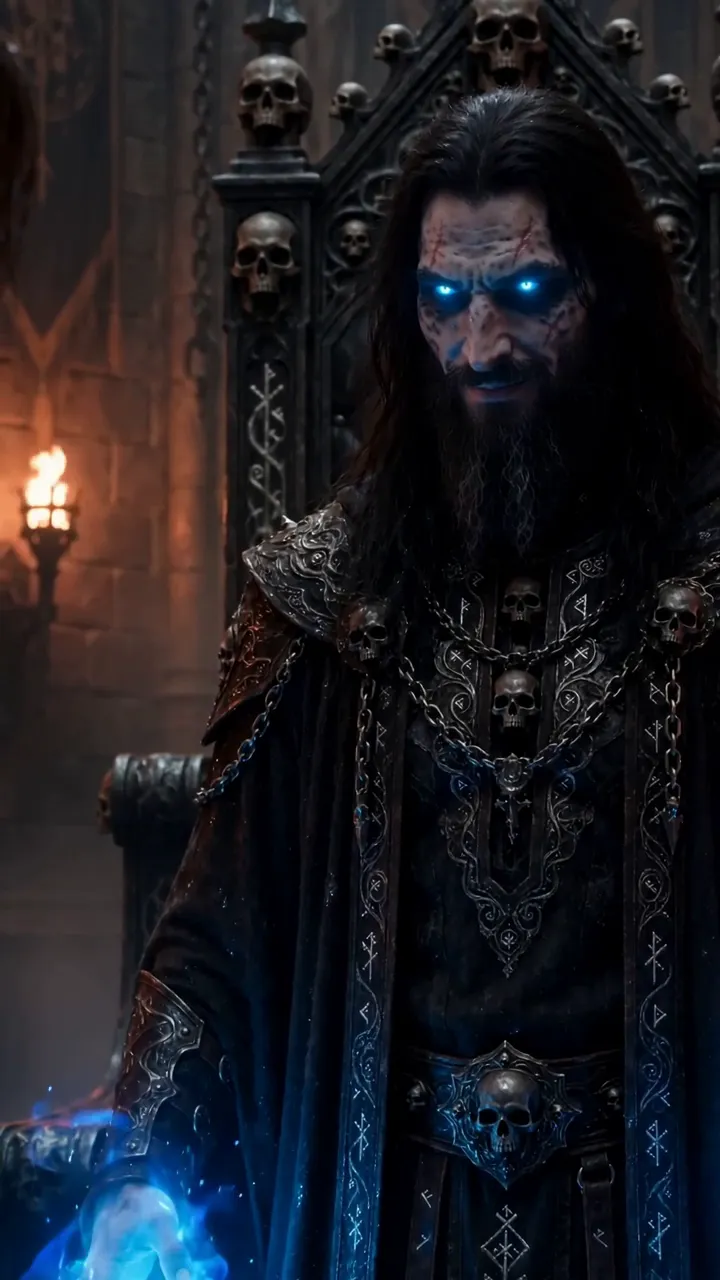
Good: “Close-up of a bearded sorcerer with glowing blue eyes raising both hands, blue magical energy swirling around him, dark ancient hall, dramatic lighting.”
What changed: “epic” means nothing to a generator. Specific visuals — glowing eyes, raised hands, swirling energy — mean everything.
Bad: “army marching, dramatic.”
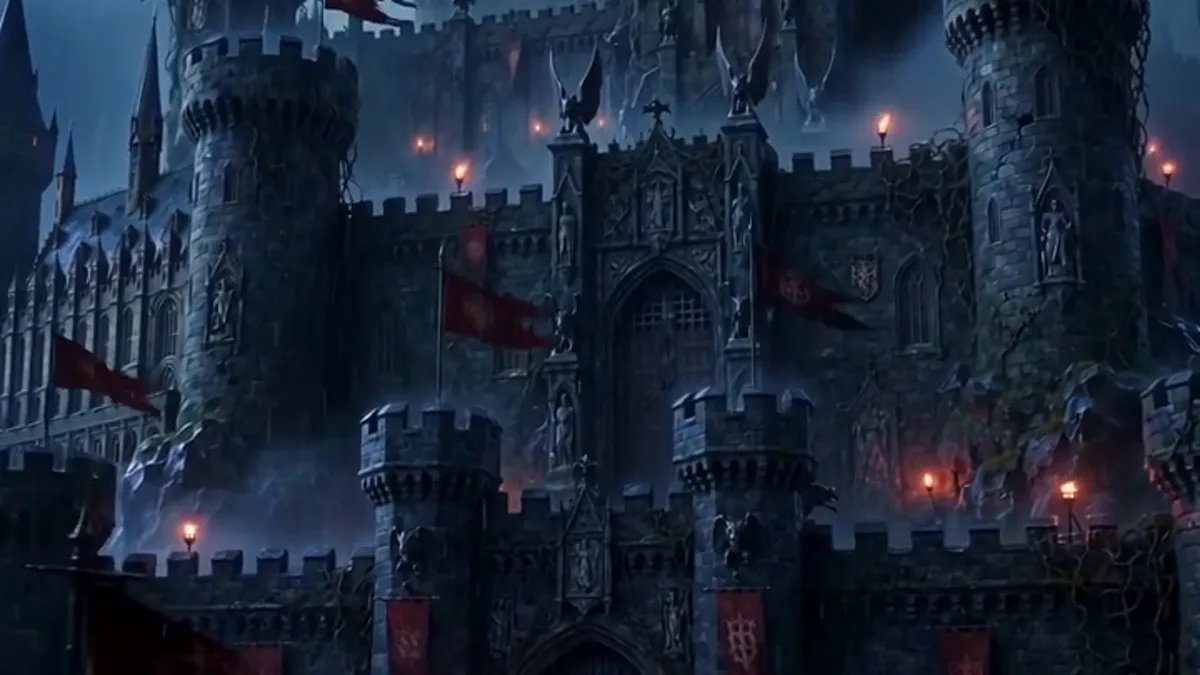
Good: “Aerial view of an armored army marching through rain toward a distant castle, red banners with a blue flame sigil, grey storm clouds, cinematic.”
What changed: a camera position (aerial) plus concrete details the AI can actually draw — rain, banners, a sigil.
Bad: “two guys fighting with swords, cool.”
Good: “Medium shot of two warriors facing each other in a ruined courtyard, one holding a flaming sword, dust hanging in the air, tense standoff, torchlit night.”
What changed: “fighting” is vague and hard to generate well. A standoff — two figures, one clear image — is something the AI can actually nail.
The one-action-per-clip rule
Generated clips run about ten seconds. That’s enough time for one thing to happen — not three.
“The warrior walks through the ruins, draws his sword, and looks at the camera” gives the AI three actions to cram into ten seconds. You get mush: half a walk, a blurry sword, a weird glance. Pick the single most important beat — “the warrior draws his flaming sword” — and let the clip do just that. If you need the walk too, that’s a second clip. You’re stitching scenes together anyway.
Negative prompts: say what to leave out
Most generators let you list things to exclude. This is where you ban the stuff that ruins clips:
“blurry, distorted hands, extra fingers, deformed face, watermark, text, cartoon, low quality”
Keep a saved list and reuse it on every generation. Negative prompts won’t fix a bad prompt — they just trim the worst failures. Think of them as a safety net, not a strategy.
Try it: the free AI Film Prompt Director
Don’t build these prompts by hand every time. I made a free tool that does it for you — pick your shot, camera, lighting, and mood, and it writes the full filmmaker-grade prompt. It even has an Image mode for stills.
Direct your next clip
Before you hit generate, run the checklist: shot, subject, action, look. One action. Negatives set. If all five are true, your odds are good.
And remember the mindset shift: you’re not describing a picture and hoping. You’re the director, and the prompt is your instruction to the crew. Direct like it.