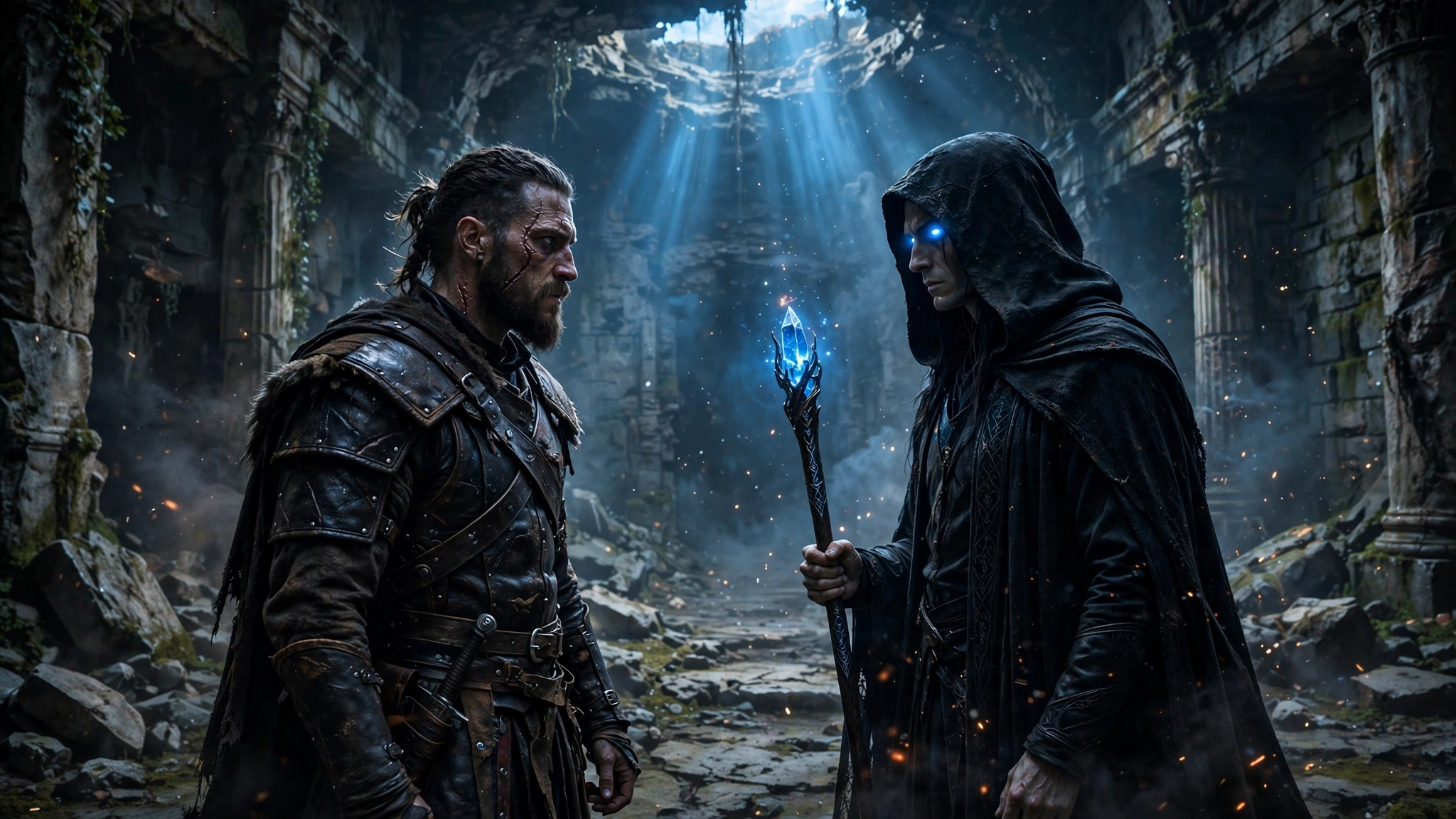

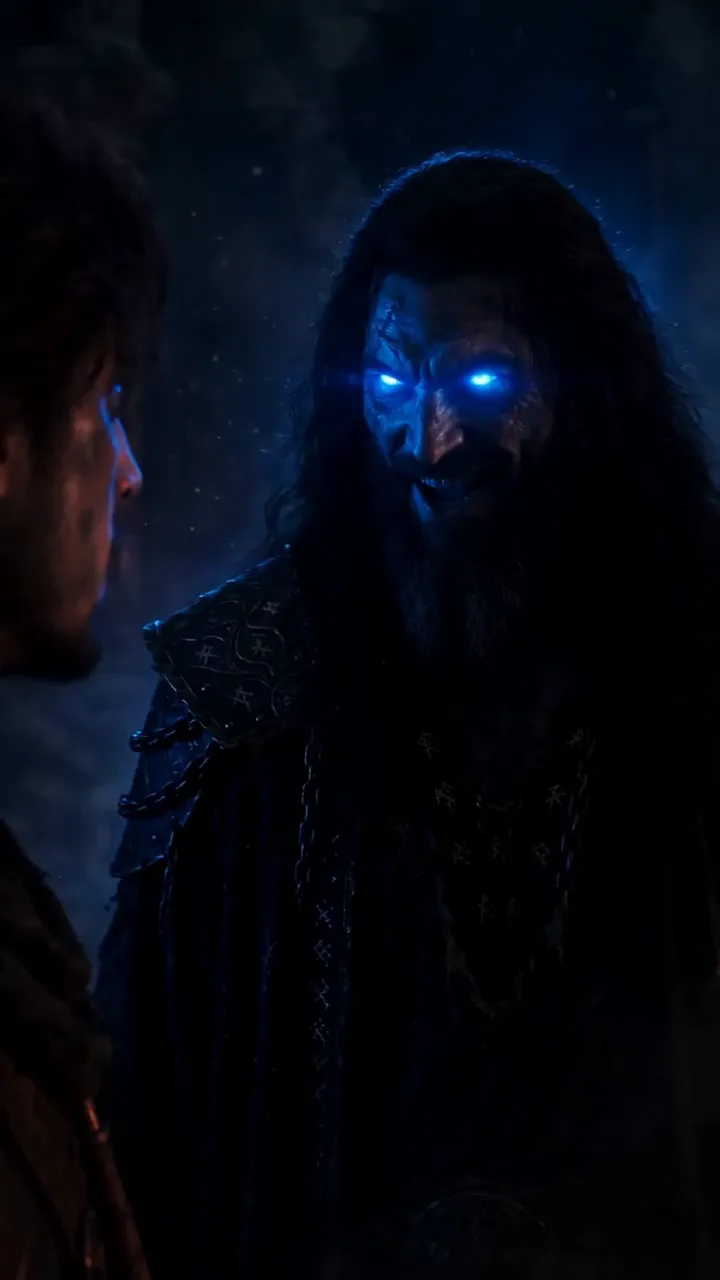
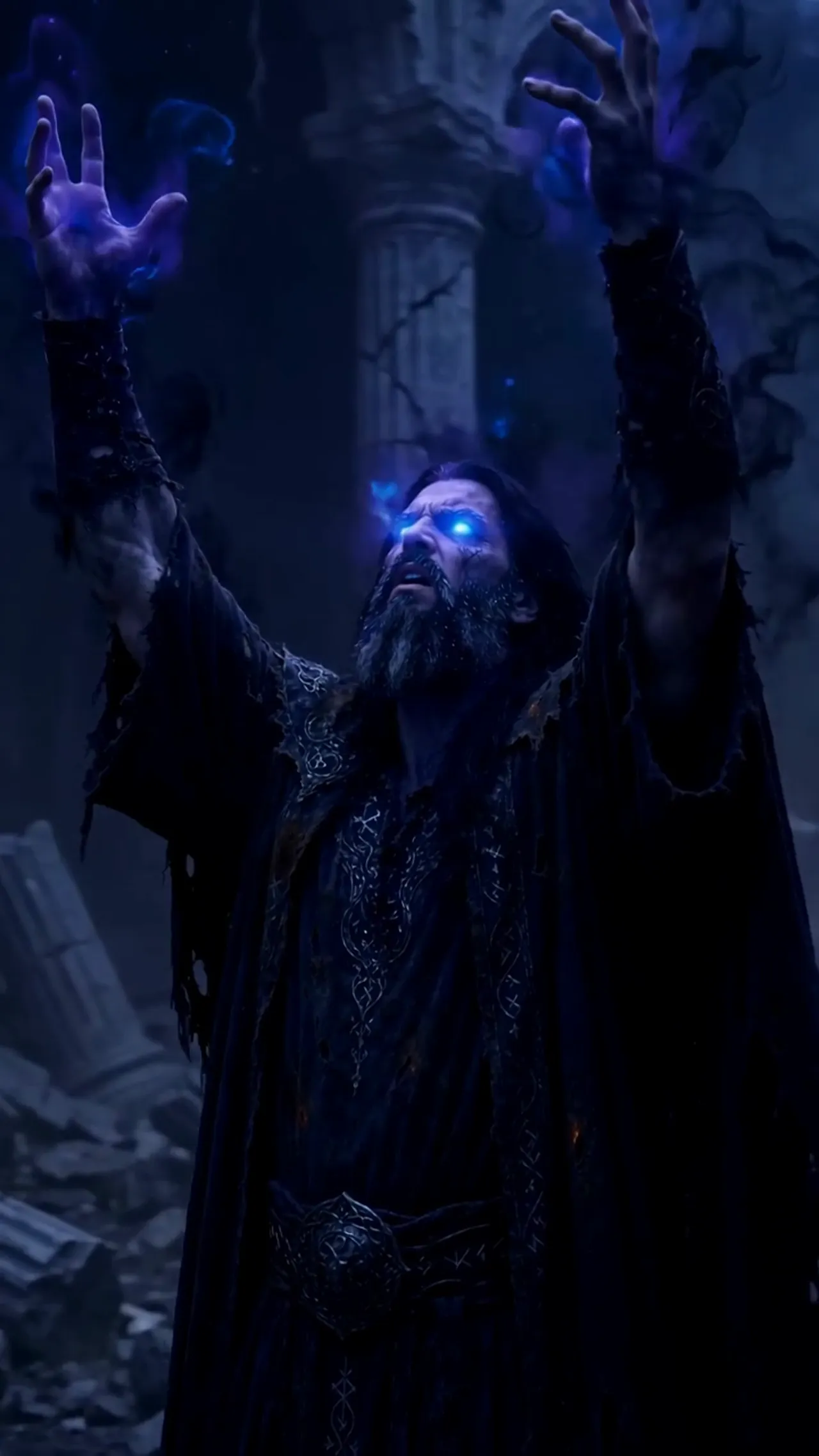
We wanted one scene where the villain explains himself. Kael the sorcerer, standing in the ruins, telling Arin why the village had to burn. One good villain speech — that’s all we asked for. What we got instead was a hard lesson in what AI video can and can’t do yet. Here’s exactly what happened.
The plan
We wrote it like a normal film scene. Kael speaks his big line, Arin reacts, Kael answers. Two lines of dialogue, a couple of close-ups, done. On paper it was the simplest scene in the episode.
We even kept it simple on purpose: no walking, no camera moves, just two close-ups and the lines. If any dialogue setup could work, it should have been this one. That’s what made the failure so instructive — it wasn’t an ambitious scene. It was the easiest possible version of the idea, and it still fell apart.
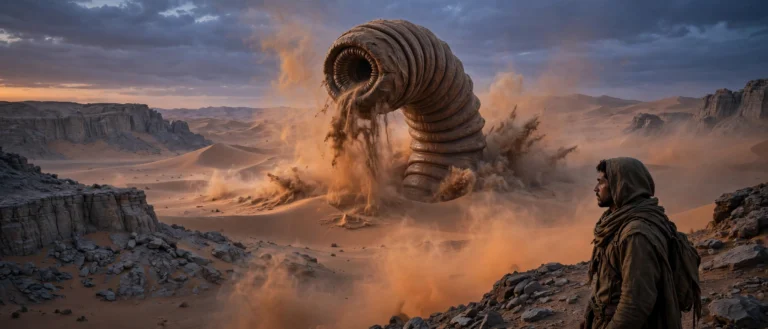
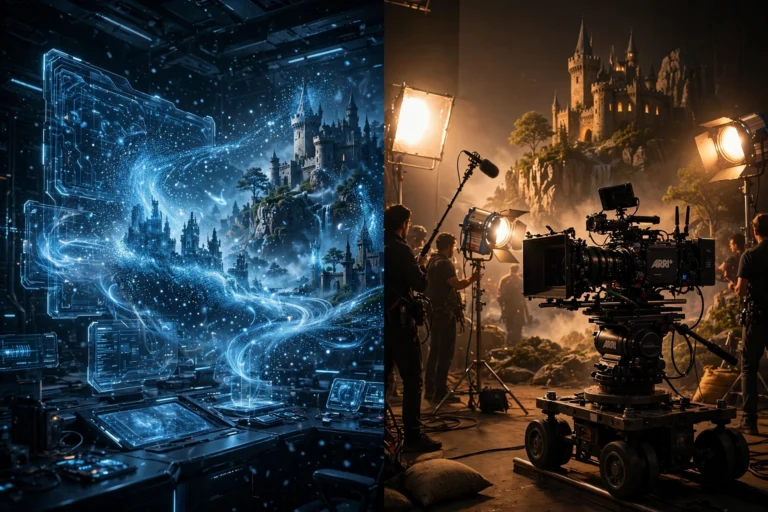
For context on how the film was made, the full behind-the-scenes is here — every frame generated from short clips, stitched together by hand.
What actually happened
The visuals came out fine. Kael looked menacing, the ruins looked great, the lighting was perfect. Then we played it with the dialogue — and his mouth did its own thing entirely.
AI video doesn’t know what words are. The lips moved in a vague flapping that matched nothing being said. In some takes the mouth barely moved at all while the line played underneath. It looked like a bad dub from a film where the actor never learned the language.
And it got worse: every regeneration changed Kael’s face slightly. Same prompt, slightly different man. So cutting between takes — the most basic editing move there is — made him look like three different people arguing with each other.
We tried four or five versions. None of them were usable. The scene was dead.
Why the mouths can’t keep up
It helps to know why this fails, so you stop blaming your prompt. A video generator predicts which pixels should move — it has no real model of speech. It doesn’t know phonemes, and it doesn’t know your audio track exists. The mouth area just gets the same motion-smoothing as everything else in the frame.
That’s also why “fix it in the edit” doesn’t work. There is no take where the lips are right, because the generator was never aiming at the words. Separate lip-sync tools exist, but on AI-generated faces they tend to produce uncanny, rubbery mouths. We decided a clean title card beats a creepy almost-right mouth every time.
What we used instead
We didn’t give up on the moment — we gave up on the mouths. Four workarounds, each useful in a different spot:
1. Sparse lines. We cut the dialogue down to almost nothing. Fewer words means fewer chances for the mouth to be visibly wrong — and a short line over a mostly still face reads fine.
2. Voiceover narration. We moved the words off the characters completely. A narrator can say anything over any image, and nobody expects the ruins to lip-sync. Backstory, exposition, inner thoughts — all of it lives here now.
3. Title cards. This one saved the scene. When Kael’s big revelation refused to generate as a proper shot, we replaced the whole exchange with white text on black: “YOUR VILLAGE BURNED / BECAUSE OF THE FLAME YOU CARRY.” Three seconds on screen. It landed harder than any spoken version would have — the audience reads it in the villain’s voice anyway.
4. Text-to-speech. For narration, generated voices work well — clean, controllable, free. For in-character dialogue, much less so: you’re back to the same lip-sync problem, just with a robot voice on top.
Where each workaround fits
- On-screen lines — keep them under five words, and frame the face half-turned or in shadow so the mouth isn’t the focus.
- Voiceover — exposition, backstory, and anything a character thinks but doesn’t say out loud.
- Title cards — big dramatic lines, chapter breaks, and time jumps. Also the perfect rescue when a scene won’t generate at all.
- Text-to-speech — narration only. Don’t put a generated voice in a visible character’s mouth.
The rules we shoot by now
- Write around dialogue. Plan scenes that don’t need talking in the first place. If the scene only works with dialogue, rewrite the scene.
- Show, don’t say. If the image already tells the story — a burning village, a raised sword — the line is redundant. Cut it.
- Save your words for voiceover. One narrator carrying the story beats five characters flapping their mouths at each other.
- Never let a talking mouth carry a key story beat. Your most important lines deserve a title card or a voiceover — something that can’t break.
The speech became a title card
Funny thing: the scene that was supposed to be Kael’s big villain speech became the strongest moment in the episode — as three seconds of text on a black screen. The constraint forced a better choice than the original plan.
That’s the honest summary. Dialogue in AI video isn’t ready. But silence, narration, and a well-placed title card? Those work right now, today. Use them.
One last thought: the tools will get better at this — lip-sync is one of the most requested features in AI video, and someone will crack it. But don’t build today’s film around tomorrow’s feature. Write for what the tools can actually do now, and your film will be better for it.